

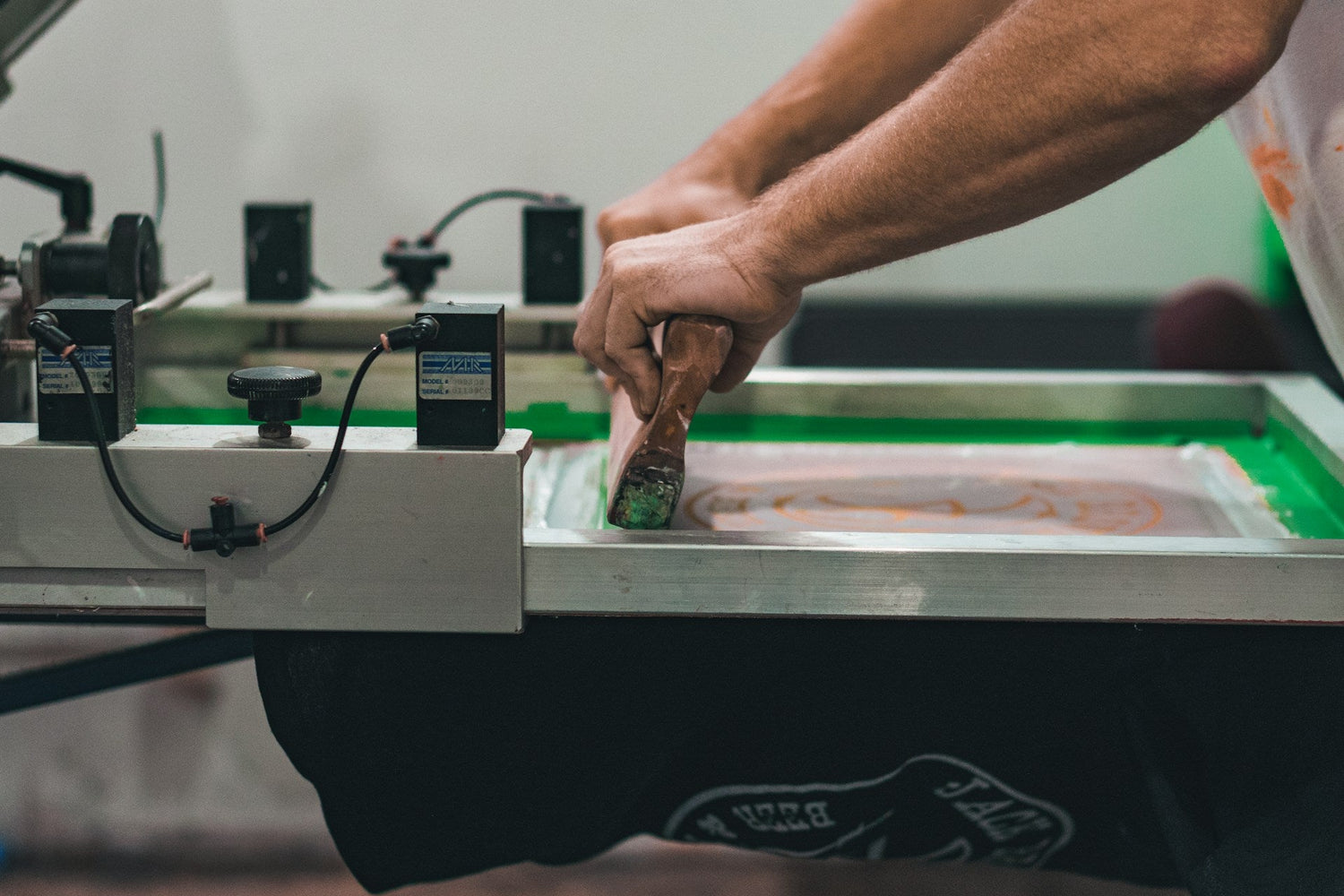
From Idea to Ready to Press
A single DTF gang sheet can turn one fun idea into a whole mini summer drop. With one sheet, you can press front logos, big back graphics, sleeve prints, tags, and even hat designs. That means you can test a whole collection without filling your studio with boxes of shirts.
In this guide, we will walk through how to take your rough idea and turn it into a clean, ready-to-press sheet using a DTF gang sheet builder. We will keep it simple, clear, and practical, so you can go from sketch or Canva file to pressed shirts, totes, and hats with confidence.
Turn Wild Ideas Into a Real DTF Gang Sheet
Think about all the fun summer ideas you might have in your head right now:
festival merch, family vacation tees, graduation shirts, or beach day packs. All of those can live together on one DTF gang sheet.
A DTF gang sheet is one long sheet of film where you pack in lots of different designs. Instead of printing one image at a time, you fill the sheet with:
- Front logos
- Big back graphics
- Sleeve and leg prints
- Small tag or label art
DTF is great for full-color, detailed art. You can run bright gradients, tiny color pops, and fun textures that still pop when pressed on fabric. With a good DTF gang sheet builder and clear support, you can go from messy sketch to something clean, sharp, and press-ready.
Dream up Designs That Actually Print Well
Not every idea that looks cool on your phone screen will look good on a shirt. The trick is to plan designs that are both playful and print friendly.
For spring and summer drops, people love:
- Beach and pool themes
- Graduation and end-of-school designs
- Family trip and cruise shirts
- Festival, concert, and party merch
To keep your art DTF friendly, aim for:
- Bold lines instead of tiny hairline strokes
- Solid shapes and clear edges
- Text that is easy to read at arm’s length
- Limited tiny details inside letters or thin outlines
A smart move is to think in sets. For example, for one concept you might build:
- A small left chest logo
- A large back graphic
- A sleeve print or pant-leg print
- A tiny inside-neck label design
With a few sets like that, you can mix and match across tees, tanks, kids shirts, and tote bags. One well-built sheet can give you enough options for a full micro-collection.
Prep Your Art Files Like a Pro
You do not need to be a designer to prep decent files, but a few rules help a lot. For most DTF orders, we suggest:
- PNG files with a transparent background
- At least 300 DPI resolution
- Colors set up in RGB or CMYK based on our current print guidelines
The biggest problem we see is low-quality images. Things like:
- Screenshots of phone mockups
- Downloads from social media with heavy compression
- Busy backgrounds that need to be removed
- Tiny images stretched way too large
They might look good on a phone, but on fabric they can look fuzzy or blocky. To improve your files:
- Go back to the original design if you have it and export at higher resolution.
- Remove any unwanted background so only your art prints.
- Decide the real-world size for each graphic, like:
- Left chest logo: about hand-size
- Full front or full back: more like from collarbone to mid-chest
-
Sleeve prints: narrow and tall, not too wide
Once you choose sizes, you are ready to load them into a DTF gang sheet builder.
Build Your First Sheet Like a Puzzle Party
Think of your DTF gang sheet builder as a big digital puzzle. You drag and drop pieces until everything fits in just the right way. Every extra inch you fill can turn into more products you can press.
A simple way to build your first sheet:
- Start with your largest designs and place those first.
- Add medium designs like chest prints around the big ones.
- Drop in small tags, sleeve hits, and labels in the leftover spaces.
Keep an eye on:
- Grouping designs by size so cutting is easy
- Leaving a little space between prints for scissors or a cutter
- Rotating and nesting art to squeeze more in without overlapping
We offer online ordering and guidance so you are not guessing. You can choose sheet sizes that fit your plan, get suggestions for layout, and do a quick check before sending it to print.
Make Every Inch Count with Smart Sheet Strategy
A well-packed sheet is not only fun to look at, it also gives you more options when pressing. One gang sheet can be used across:
- T-shirts and tanks
- Hats and beanies
- Totes and beach bags
- Kids and adult sizes
Think like a small brand, even if you are just starting. Use extra space for:
- Brand labels or inside-neck tags
- Sleeve or hem hits with a tiny logo
- Care label prints with wash info
- Small logo variations for hats or pockets
A good DTF gang sheet builder lets you duplicate, resize, and rearrange designs fast. That means you can build family reunion sets, team packs, and event bundles all on one sheet, then cut them apart and press as needed.
Press Day Magic From Sheet to Summer Merch
Once your sheet arrives, press day is where the magic happens. A simple checklist helps keep things smooth:
- Set your heat press to the recommended temperature range
- Use medium, even pressure
- Follow the press time we suggest for your film and powder
- Test one print on a spare shirt before doing a full run
A basic pressing flow looks like this:
- Pre-press the shirt for a few seconds to smooth it and remove moisture.
- Place the transfer where you want it and line it up.
- Press with the right time, temperature, and pressure.
- Let it cool as instructed, then peel the film with confidence.
- Finish with a quick repress if needed for extra durability.
Our team is here to share tips on color pop and long-lasting results, so your prints can stand up to sunny days, sweat, and lots of washes.
Launch Your First Drop with Color and Confidence
Your first gang sheet does not need to be perfect. It just needs to exist. Pick one idea, like a summer launch, vacation pack, or end-of-school set, and turn it into a simple sheet.
We suggest a clear action plan: sketch or select your designs, prep your files, load everything into a DTF gang sheet builder, arrange your sheet, then place your order with Florida DTF Factory and set up a press session. Once you press that first set of shirts and see your art pop in full color, you will feel ready to plan the next drop, then the next, building fresh seasonal designs all year long.
Get Started With Your Project Today
Bring your designs to life faster and more accurately with our easy-to-use DTF gang sheet builder. At Florida DTF Factory, we give you the control to lay out your artwork, maximize every inch of space, and preview your sheets before you order. If you have questions about file setup, quantities, or turnaround times, you can contact us for personalized help. Let us handle the printing so you can stay focused on creating and selling your best designs.

Leave a comment
This site is protected by hCaptcha and the hCaptcha Privacy Policy and Terms of Service apply.