



Upload Your Own DTF Gang Sheet - Print Ready File
Upload with confidence, our DTF transfers deliver sharp detail, strong adhesion, and reliable results every time.
For "Print As Is" orders, we print the exact file you send us. To ensure your print looks great, you must follow our Artwork Recommendations. We cannot be responsible for issues like blurriness, low quality, or transparent pixels if the artwork provided does not meet these standards.
Please leave a 10 mm margin to ensure your artwork is not cropped
*Please also note that if you place multiple orders, each one will be packaged and shipped separately. We are not able to combine different orders into a single shipment.
Uploading Recommendations
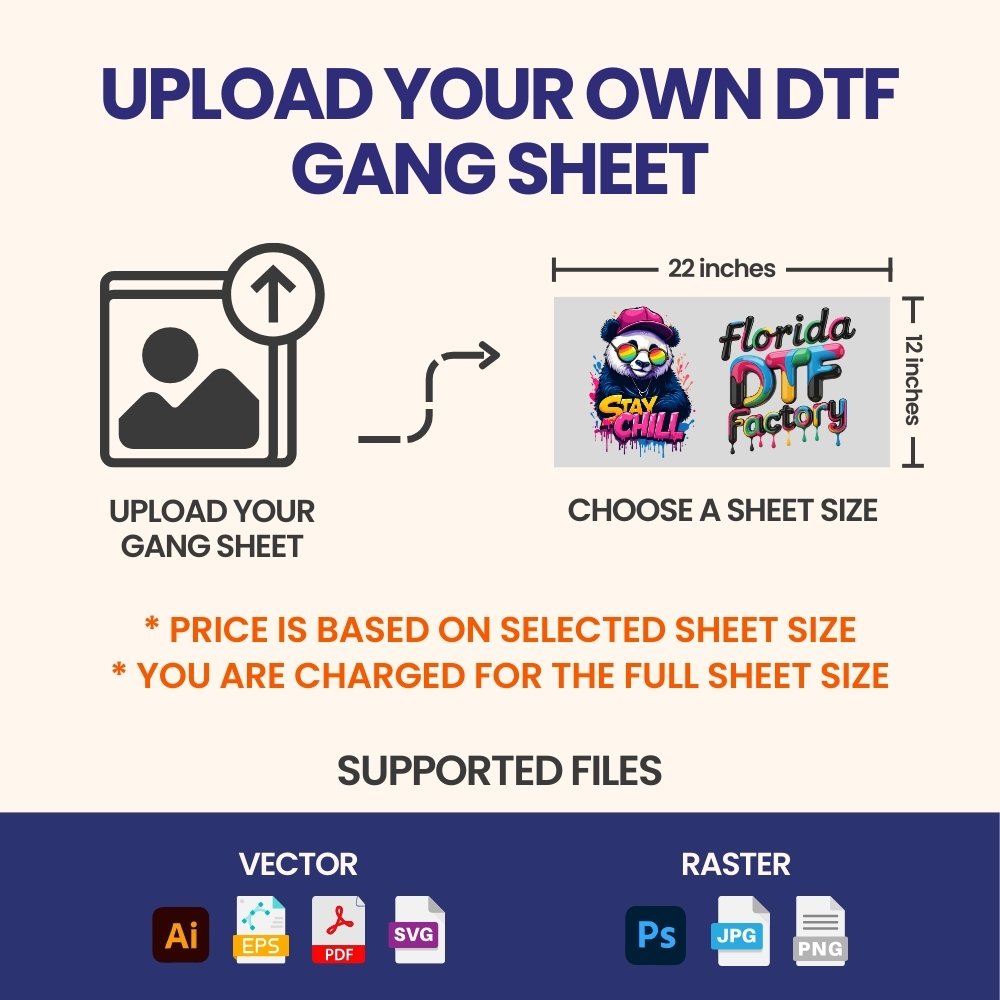
All file types are accepted. Vector files are strongly preferred. Raster artwork should be a minimum of 300 DPI.
Tip: If you’re using Canva or Procreate, we recommend exporting your design as a PDF.
Minimum size: While DTF printing supports fine details, elements smaller than 0.02 inches (0.5 mm) may not transfer correctly.
Instructions
1. Clean the Area Use a lint roller to remove dust or fibers from the area where the design will be placed.
2. Prep the Fabric Press the blank garment for 5–7 seconds to remove wrinkles and moisture.
3. Press the Design Place the transfer on the shirt and press using the recommended time and temperature settings.
Since every heat press behaves differently, testing one garment first is strongly recommended.
4. Peel Wait 5–10 seconds after opening the press, then peel the film smoothly from one corner.
5. Final Press Cover the design and press again for 5 seconds to fully seal it.
Tip: Always use a protective Teflon sheet over the design for best results.
Features
Auto Build
Create your gang sheet in seconds using our Auto Build feature. Upload your images, select size and quantity, then click Apply. The builder automatically arranges your artwork, alerts you if additional sheets are required, and verifies proper placement and resolution before checkout.
Streamlined Workflow
Design, arrange, and optimize your gang sheets effortlessly for a faster and more efficient production process.
Multiple Sizes
Build custom layouts across five available sizes, maximizing space and reducing material waste.
Design Flexibility
Combine multiple designs on a single sheet. Mix sizes, test layouts, and maintain precise print quality every time.
Print with Confidence
Achieve consistent, vibrant results — from fine details to bold colors — with professionally optimized gang sheets.
Shipping
Orders over $40 of transfers and supplies automatically qualify for Free Shipping.
Sipping: 2-5 business days
We also offer Local Pickup at:
389 NE Ave, Hallandale Beach, FL 33009
Our Policies: Shipping Policy
Returns & Exchanges
We offer a 30-day return window for unused items in original packaging, though all custom DTF prints and sale items are final sale unless they arrive defective or incorrect due to our error. We do not accept returns for user pressing errors or minor color variations, and all claims require prior approval via email with photographic proof. If approved, refunds are processed to your original payment method, but please note that you are responsible for return shipping costs unless the mistake was ours.
Our Policies:Terms of Services&Refund Policy
737067+
Desing Printed
1038+
Happy Businesses

At Florida DTF Factory, our Soft DTF Transfers are an easy way to put amazing, full-color designs onto clothing and other fabrics. We use eco-friendly ink to create high-quality transfers for all your creative ideas.

⭐⭐⭐⭐⭐ "Since we started using Florida DTF Factory transfers, our small apparel line has seen a huge jump in color quality and customer satisfaction. The prints are vivid, soft to the touch, and hold up well after washing — exactly what we needed to stand out!" — Maya, Miami
⭐⭐⭐⭐⭐ "Florida DTF Factory's transfers made production so much easier. The colors are consistent every time, application is quick, and the finished shirts feel great. Our repeat orders have increased because customers love the look and durability!" — Carlos, Orlando