

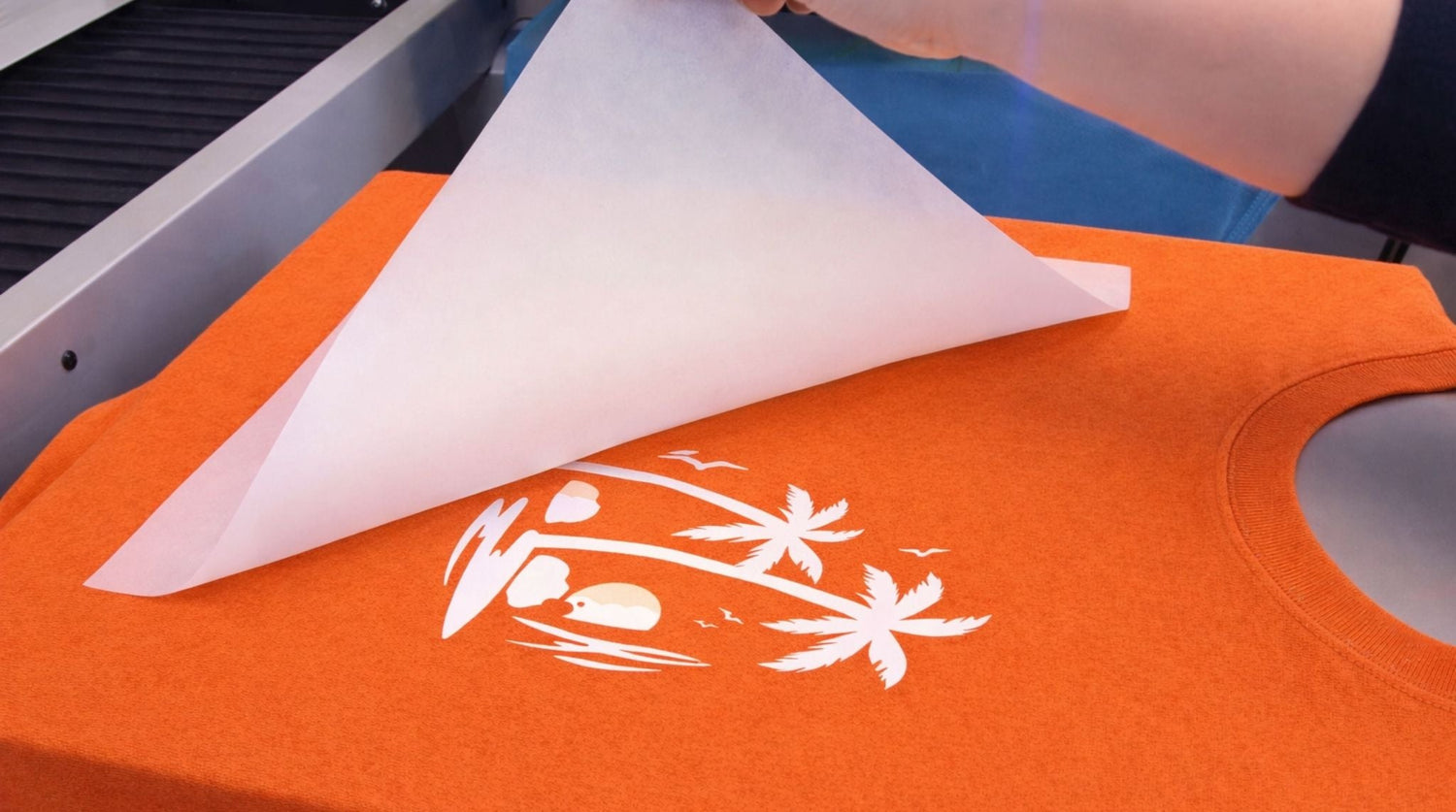
Have you ever triple-checked your heat press settings, adjusted temperature and pressure multiple times, tried different peeling speeds, and still watched your design lift at the edges? The issue might not be your equipment at all.
Moisture-related problems with DTF transfers are frequently missed by printers who focus only on machine settings. Many operators immediately adjust their heat press or question their curing process when prints fail. However, the humidity in your workspace can silently damage your DTF films, affect your adhesive powder, and prevent proper bonding to fabrics.
This comprehensive guide will help you identify moisture as the hidden culprit behind transfer failures and provide clear solutions. If you're dealing with peeling transfers, inconsistent adhesion, or seasonal printing problems, start here.
What This Guide Will Help You Achieve
After reading this article, you'll understand how to:
- Spot the warning signs of moisture damage on DTF transfers
- Tell the difference between equipment problems and environmental issues
- Stop transfer peeling caused by humidity exposure
- Store your DTF transfers properly to maintain quality
- Set up a controlled workspace that prevents unexpected print failures
This focuses on environmental troubleshooting - examining your workspace conditions, not just your heat press mechanics.
Understanding Why Moisture Damages DTF Transfers
DTF printing relies on precise chemical reactions and consistent melting patterns.
Your printed design sits on the DTF film. Adhesive powder gets applied over the wet ink. When you press the transfer, that powder melts and flows into the fabric fibers. With stable conditions, this creates a strong, lasting bond.
Moisture disrupts this process in multiple ways:
- Water gets absorbed into the adhesive coating
- Film becomes softer and less stable
- Powder clumps together or melts inconsistently
- The curing process behaves unpredictably
When moisture is present, adhesive doesn't flow smoothly into fabric. Instead of clean melting and bonding, you get tiny bubbles, weak edges, or lifting after the press cools down. These symptoms are often mistaken for wrong temperature settings or insufficient pressure.
Transfers that were perfect when printed can perform poorly if they've been exposed to humid conditions during storage.
Optimal Moisture Levels for DTF Success
Target a relative humidity between 40% and 55% in your workspace.
- Below 35%: Creates static electricity and handling difficulties
- Above 60%: Increases risk of moisture absorption
- Above 70%: Significantly raises chances of bonding failures
Many print shops find that transfer failures spike during summer months. This usually connects directly to seasonal humidity increases rather than changes in materials or techniques.
A basic digital humidity meter in your pressing area removes all guesswork.
Diagnosing Moisture Problems: A Step-by-Step Approach
Step 1: Examine the Film Texture and Feel
Before pressing, physically handle your transfer.
Properly dried DTF film should feel crisp, flat, and rigid. If it feels sticky or unusually bendable, moisture has likely been absorbed. Sometimes you'll notice slight waves or curves when the transfer is placed on a flat surface.
This soft, flexible feel often predicts edge peeling during or after pressing.
Step 2: Check Your Adhesive Powder Condition
Flip the transfer and look closely at the powder coating.
Warning signs of humidity damage:
- Small clumps in the adhesive powder
- Uneven shine or texture variations
- Tiny bumps or irregular surfaces
When moisture-damaged powder is pressed, it won't melt uniformly. You might see patchy bonding or sections that lift when the garment cools. This mimics pressure problems but stems from environmental conditions.
Step 3: Evaluate Your Storage Methods
Poor storage practices cause most humidity-related transfer problems.
Common storage mistakes:
- Leaving transfer packages open between uses
- Storing near outside walls where temperature varies
- Keeping inventory in basements or unheated garages
- Placing transfers close to heat presses where humidity swings occur
High humidity dramatically shortens transfer lifespan. Even premium quality transfers deteriorate when exposed to unstable air conditions.
Step 4: Perform a Controlled Test
To confirm moisture as the root cause, run this test:
- Reduce room humidity to 40-55% if possible
- Pre-press your garment briefly to remove surface moisture
- Apply your normal heat press settings
- Press the transfer as usual
If the transfer works perfectly under controlled conditions but failed before, you've confirmed environmental issues rather than equipment problems. This prevents unnecessary equipment adjustments that could create additional variables.
Preventing Moisture Damage: Essential Practices
Stopping moisture problems before they start saves time and materials.
Storage Best Practices:
- Seal transfers in airtight packaging when not in use
- Include moisture-absorbing packets in storage containers
- Keep transfers elevated off concrete floors
- Use a dehumidifier in naturally humid environments
- Limit how long transfers remain exposed to room air
If you discover that transfers have absorbed moisture and testing confirms poor performance, replacing them often proves more efficient than attempting repairs.
When Recovery Might Work:
You may save slightly damaged transfers if:
- Exposure time was brief
- You catch and correct storage issues quickly
- No visible powder clumping has occurred
For minor moisture exposure, place transfers in a dry, sealed container with desiccant packets for 24-48 hours. This can sometimes restore acceptable performance.
When to Discard Transfers:
Replace transfers immediately if:
- Film stays warped after 48 hours in dry conditions
- Adhesive shows bubbling before any heat is applied
- Peeling continues even after humidity correction
Frequently Asked Questions
Can humidity cause transfer edges to peel?
Yes. Moisture prevents proper adhesive melting and fiber bonding, leading to edge lifting or incomplete adhesion.
What humidity level is too high for DTF transfers?
Consistent levels above 60% create problems. Above 70% dramatically increases failure rates.
Do finished transfers absorb moisture from the air?
Yes. Even fully cured transfers can absorb ambient moisture if stored unsealed in humid conditions.
Can humidity affect the curing process?
Absolutely. Moisture changes how adhesive melts and cools, altering bond strength.
Why do my prints only fail during certain seasons?
Seasonal humidity changes are often the cause. Summer air typically contains much more moisture than winter air.
Does high humidity shorten transfer storage life?
Yes. High humidity accelerates degradation and reduces how long transfers remain usable.
Should I adjust my heat press if peeling happens?
Only after eliminating environmental factors. Changing settings without addressing humidity can hide the real problem.
Solving Your Moisture Problems
Humidity-related transfer failures aren't always obvious initially. Your press appears fine. Your artwork looks correct. The film seems normal. Yet bonds fail consistently.
Once you recognize how moisture affects DTF components and the bonding process, the pattern becomes clear. Environmental control isn't optional - it's part of your production system.
Before adjusting another temperature or pressure setting, check your workspace humidity. Controlling moisture levels may solve more problems than any equipment change ever could.
The key is treating your work environment as part of your printing equipment. Just like maintaining your heat press, managing humidity requires attention and the right tools. With proper environmental control, your DTF transfers will perform consistently, regardless of the weather outside.



Leave a comment
This site is protected by hCaptcha and the hCaptcha Privacy Policy and Terms of Service apply.